
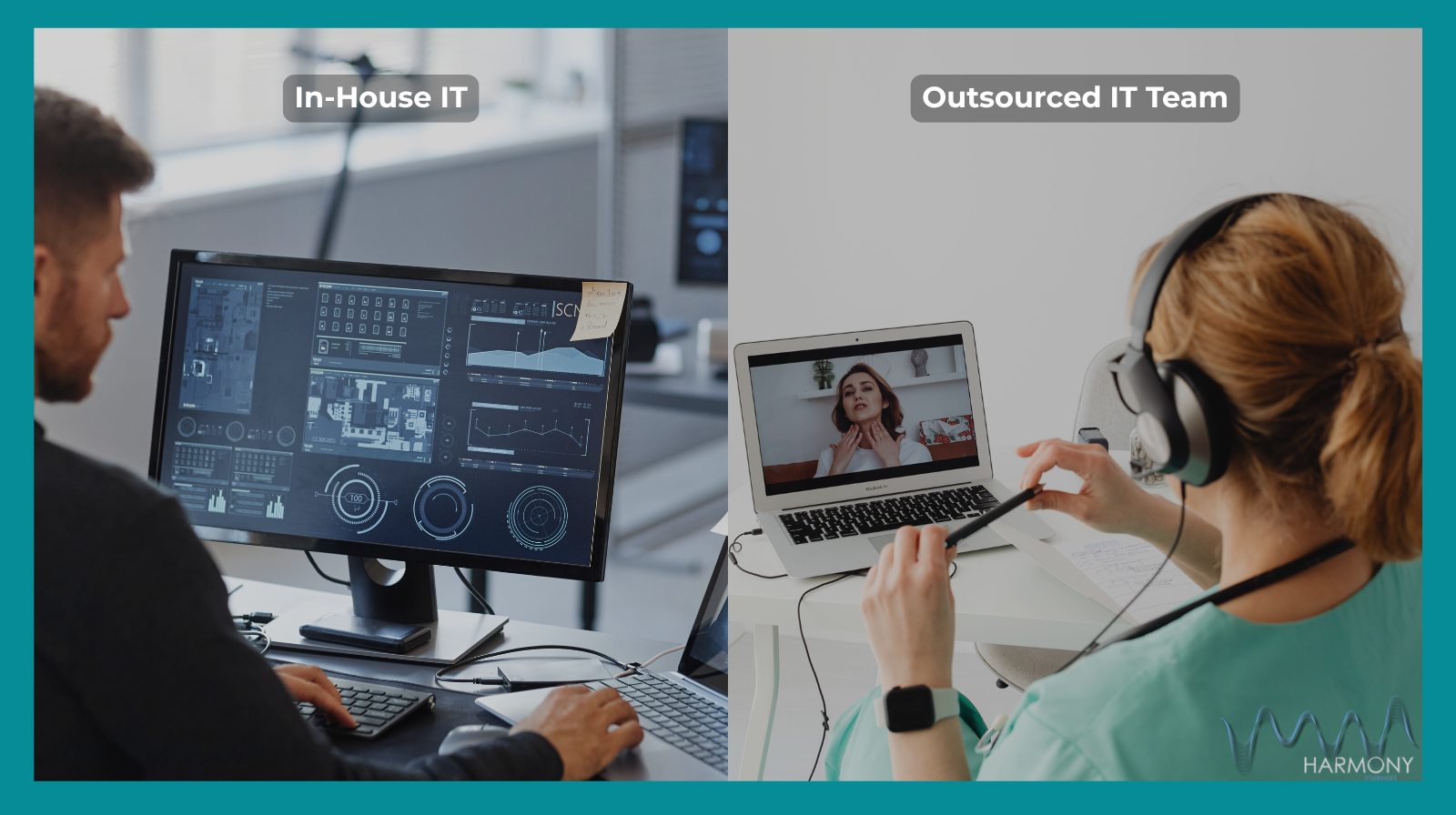
If you’re running a small business in the UK, you’ve probably wondered whether it’s cheaper — and easier — to outsource your IT support instead of hiring your own in-house team. Let’s be honest: IT problems always seem to appear at the worst moment, and figuring out the most cost-effective way to deal with them isn’t something most business owners have the time (or appetite) for.
This guide breaks down the real costs, the hidden extras, and how each option stacks up for small businesses. By the end, you’ll have a clearer view of what’s genuinely right-sized for you — not just what looks good on paper.
Problem / Pain Point
Many small businesses find themselves stuck between two imperfect scenarios:
- Struggling along with “unofficial IT support” from the most tech-savvy person in the office.
- Hiring full-time staff they don’t fully need.
- Outsourcing to the cheapest provider and hoping for the best.
- Feeling unsure what good IT support should cost in the first place.
Meanwhile, downtime, slow computers, scam emails and security worries continue to eat up your time - and as every owner knows, time is money.
So the big question becomes: what’s the most cost-effective way to actually keep things running smoothly?
Helpful Information / Solutions
Understanding the True Cost of an In-House IT Team
Hiring an in-house IT technician or manager isn’t just about the salary. Typical costs include:
- Salary (often £30,000–£55,000+ depending on skill level)
- National Insurance contributions
- Training and certifications
- Holiday and sick leave cover
- Pension contributions
- Software licences and tools for the IT role
- Extra staff for out-of-hours or specialised tasks
For many businesses, one person isn’t enough to cover everything - which means gaps in knowledge, limited availability, or eventually needing a second hire.
What You Get When Outsourcing IT Support
Outsourced providers usually offer:
- A full team of specialists (not just one skillset)
- Proactive monitoring (systems checked in the background)
- Remote helpdesk support
- On-site visits when needed
- Cyber security tools bundled in
- Predictable monthly pricing
- Out-of-hours support options
- Scaling up/down without hiring new staff
Outsourcing is often charged per device or per user, meaning small companies don’t overpay for services they don’t need.
Cost Comparison in Plain English
Here’s the simple breakdown:
In-house team = fixed cost + hidden overheads + limitations.
Outsourced IT = predictable cost + flexible service + wider expertise.
Many small businesses find outsourcing cheaper because they get a whole team for less than the cost of one full-time salary — and without the HR admin that goes with it.
Examples / Analogies / Stats
Picture this: hiring an in-house IT technician is like hiring a full-time mechanic for a small fleet of three company cars. Yes, they’ll keep everything running, but you’re paying for far more availability and expertise than you actually need day-to-day.
Outsourcing, on the other hand, is more like paying a reliable garage a monthly fee to keep everything serviced, safe, and road-ready. You only pay for what you need, and when something breaks, you're covered.
Industry commentators often note that outsourced IT can cost 40–60% less than hiring someone full-time, depending on the size and complexity of the business.
Benefits (Why It Matters Now)
- Lower and more predictable costs — helpful during uncertain economic periods.
- Fewer interruptions — proactive monitoring reduces downtime.
- Better cyber security — you get access to tools and expertise you might not otherwise afford.
- Faster problem-solving — a whole team responds, not just one person juggling multiple jobs.
- Scales with your business — new staff, new devices, or new offices can be added without recruitment headaches.
- Peace of mind — your systems, backups and security are regularly checked without you needing to remember.
Actionable Tips (Do-Now Items)
- Audit your current IT pain points
Note down common issues: slow laptops, Wi-Fi dropouts, scam emails, data backup worries, or nagging cybersecurity gaps.
2. Calculate your true costs
Compare your current spend (tools, downtime, ad-hoc fix-it bills) with what an outsourced IT provider would charge.
3. Check service level agreements (SLAs)
Make sure any provider clearly states response times, what’s included, and how escalation works.
4. Ask about security tools
A good IT partner should bundle essentials like antivirus, patching, monitoring, and backup.
5. Look for right-sized support
You shouldn’t have to pay enterprise-level prices if you’re a team of 10–50 people.
So, is outsourced IT support cheaper than an in-house team? For most small businesses - absolutely yes. Not only can it reduce costs, but it also removes hassle, speeds up issue resolution and supports your growth without forcing you into additional hires.
If you’d like help comparing your current setup with an outsourced option, book a quick chat and we’ll map the best option for your business. No jargon, no pressure - just straightforward advice to get you up and running with the right support.


